Anyone figured out where the photo studio shots actually save to on console?
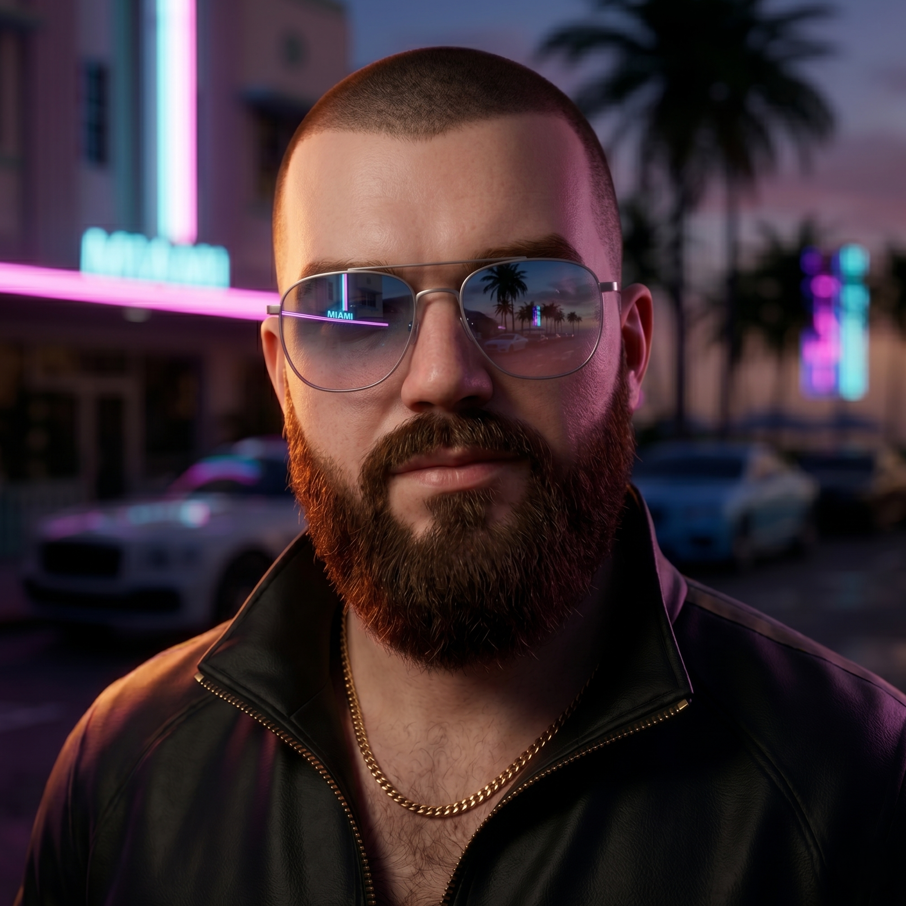
Spent a good twenty minutes last night taking what I thought were some genuinely nice shots in the photo studio, then went looking for them on my PS5 and came up completely empty. Checked the usual capture gallery, nothing there.
Insider Gaming put up a short piece on this and apparently the photo studio pictures don't land where you'd expect. They go somewhere specific on the console side rather than just dumping into your normal screenshots folder, which explains why I was staring at an empty gallery like an idiot.
Why this trips people up
I think most of us are so used to the share button workflow that we assume anything the game lets us frame up ends up in the same place. The photo studio is a separate thing though, and the game handles the saving itself. So if you're hunting through your captures and finding nothing, it's probably not a bug and you probably didn't lose the shots.
Worth knowing before you spend an hour setting up the perfect sunset over Vice City and then panic that it vanished.
What I'd check first
- The console's own media or gallery app, not just the quick capture menu
- Any in-game gallery or album the photo studio itself keeps
- Whether the shots only show up once you've exited the mode properly
I haven't dug into the exact path yet, so if anyone's already found it, drop it below. Feels like the kind of thing that'll be obvious in hindsight.
Small quality of life stuff like this is always the first thing I forget to look up, then I waste an evening on it.
On a related note, has anyone actually printed or shared any of their studio shots anywhere decent, or are we all just hoarding them on a hard drive?
Source: Insider Gaming · Curated content.
Got a take on this?
Join the discussion. It takes about thirty seconds, and you can reply to any thread on the forum.