GTA 6's HDR calibration is apparently busted, and there are workarounds floating around
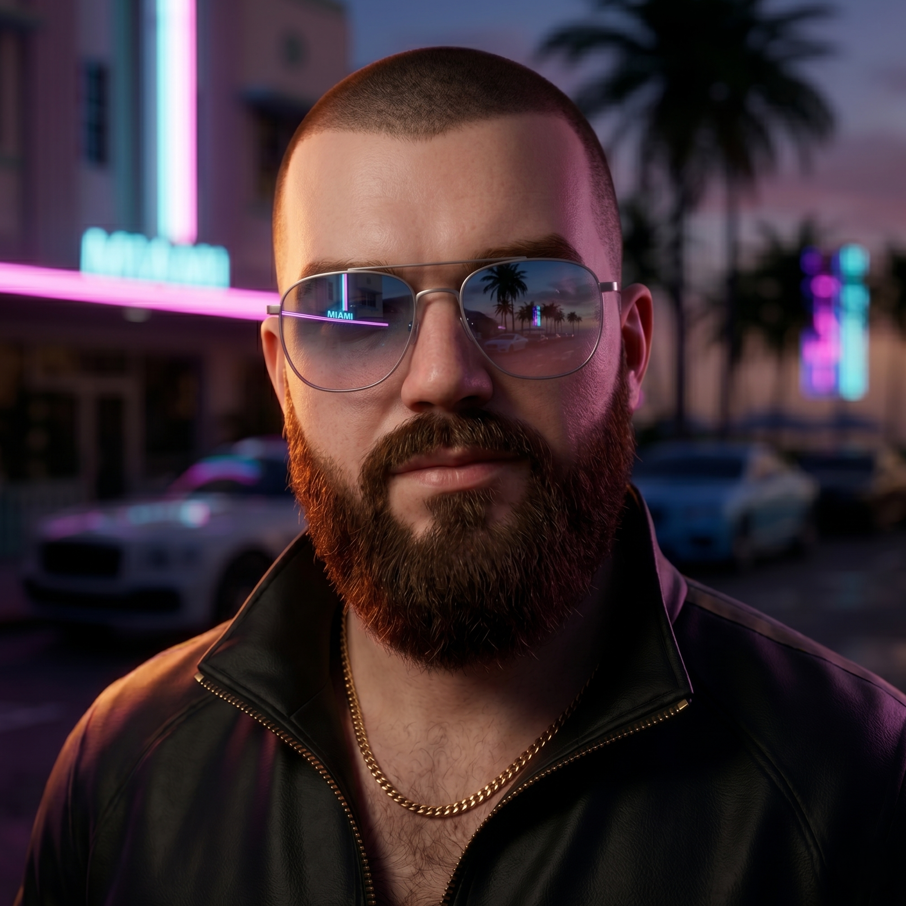
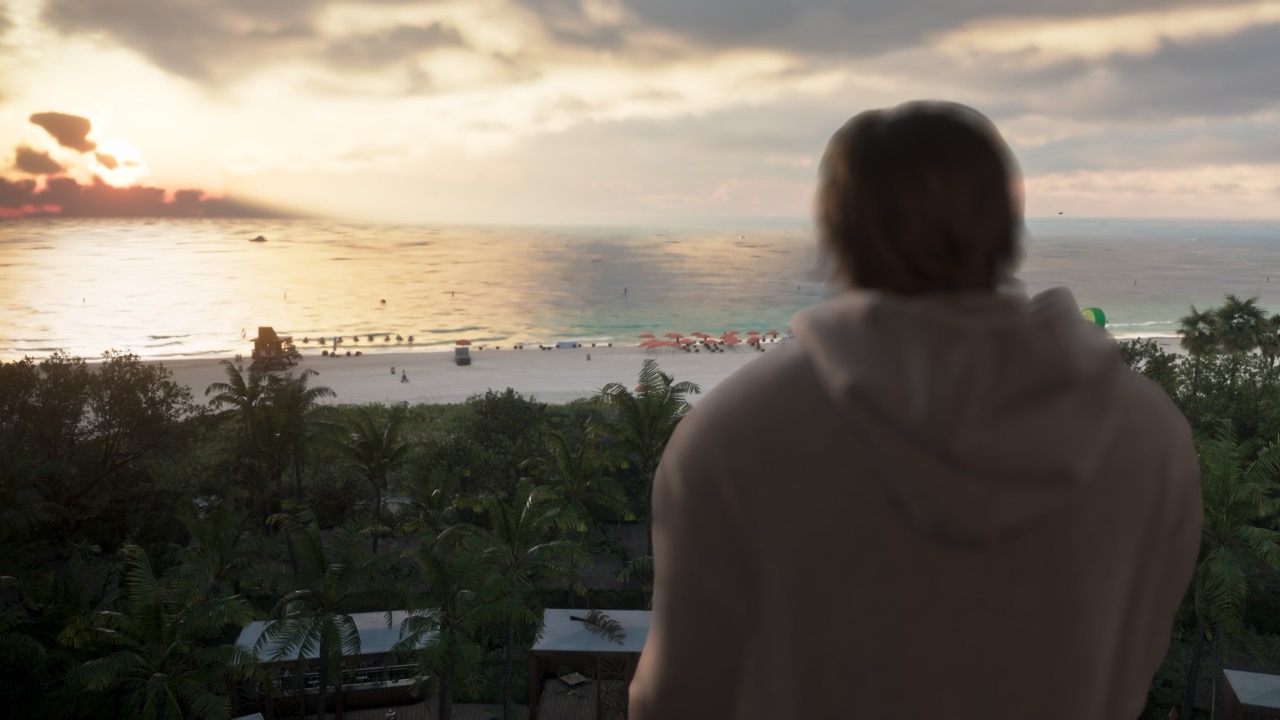
So this one's been bugging me since I booted it up. GameSpot put out a piece on GTA 6's HDR calibration, and it turns out the in-game tool isn't doing what it claims to do. I thought it was just my TV being fussy. Nope.
Here's the gist. Like a bunch of other games, GTA 6 ignores the system-level HDR settings on PS5 and Xbox and runs its own calibration screen where you dial in max brightness, black levels, and paper white. Sounds fine. Except the maximum brightness and paper white values are apparently linked in a way that's just wrong. You set peak brightness to something sensible like 1000 nits, then drop the paper white point (because the default is high as hell), and the peak brightness value quietly drops with it. No warning, no indicator. You think you've calibrated, and you haven't.
HDTVTest and GamingTech both confirmed it, and both have thrown out rough workarounds while we wait on Rockstar. The trick is basically setting your max brightness higher than your display can actually do, matched to whatever the game expects based on your paper white choice. GamingTech has a table for it. HDTVTest's approach is similar but with different numbers for paper white and black level, so you'll be fiddling either way.
The first patch is already out and it didn't touch this, mostly just the usual launch bugs. RDR2 had HDR problems at launch too and they got sorted eventually, so I'm not panicking. But if you're one of the millions jumping into Leonida right now and your picture looks washed out or weirdly clipped in the highlights, it's probably not your panel.
I'll be honest, I'm gonna try the higher-than-supported peak brightness thing tonight and see if the neon in Vice City pops the way it should. Half the appeal of this game is the look of it, and I'm not settling for a flat image because a slider is lying to me. If anyone's already messed with this and found numbers that work on a mid-range OLED, I'd love to hear it.
Source: GameSpot · Curated content.
Got a take on this?
Join the discussion. It takes about thirty seconds, and you can reply to any thread on the forum.