Push Square says GTA 6's HDR calibration is off, and here's how to fix the darkness on PS5
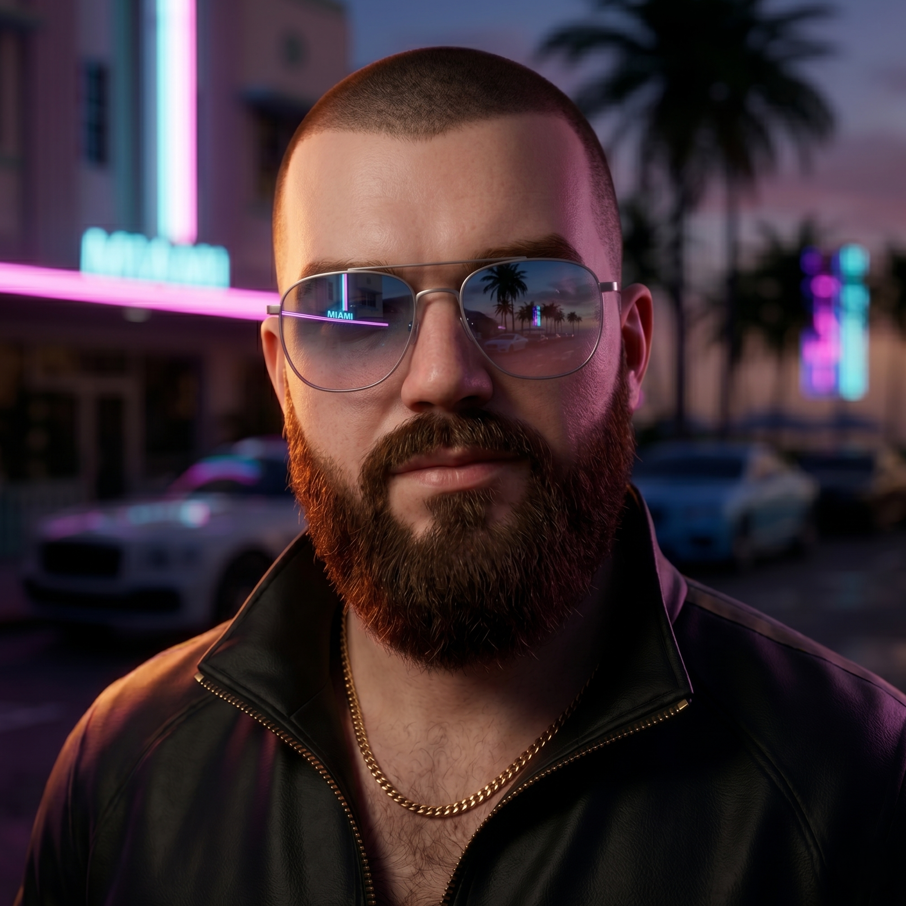
So if you've been squinting at Leonida wondering why everything looks muddy and dark, you're apparently not alone. Push Square put up a piece pointing at the game's HDR calibration, and the interesting bit is that it might not be your setup at all.
The writeup leans on a deep-dive video from HDTV Test, which did their testing on a Sony reference monitor. That's proper kit, not some guy with a soundbar and a dream. Their conclusion: the in-game HDR calibration isn't behaving the way it's supposed to, so the sliders you're adjusting may not be landing where you think they are.
Push Square's article includes what they call optimal HDR calibration settings, so if your picture looks crushed, that's probably the first place to look before you start blaming your panel or your cables. Full disclosure, I haven't run their numbers myself yet, so I'm curious whether people actually see a difference or if it's placebo with extra steps.
why this matters more than it sounds
HDR done wrong is one of those things that quietly ruins a game. You don't always clock it as a settings problem. You just think the art direction is flat, or that night driving is miserable, or that you're losing detail in every shadow. Then someone tells you a slider was lying to you the whole time and suddenly the game looks like a different product.
Vice City at night should be a neon-soaked showoff. If it's reading as a gray smear on your TV, something's off.
Worth noting the article frames this as the game's calibration not working as intended, not as user error. That's a meaningful distinction for anyone who's spent an hour fiddling with their TV menu and getting nowhere.
what I'd do first
- Check the HDR calibration in the game's display menu before touching your TV settings
- Compare with HDR off entirely, just to see how big the gap actually is
- If you've already got HGiG enabled on your set, don't undo that while you're testing
I'm mostly curious how widespread this is. Plenty of people are running wildly different TVs and monitors, so a calibration bug could hit some setups way harder than others. If it's baked into the game, though, that's the kind of thing a patch would sort out eventually.
Anyone here actually tried the Push Square settings yet, and did it fix the darkness or just move the problem around?
Source: Push Square · Curated content.
Got a take on this?
Join the discussion. It takes about thirty seconds, and you can reply to any thread on the forum.