Xbox auto-uploads could get you banned in GTA 6, so maybe check your settings

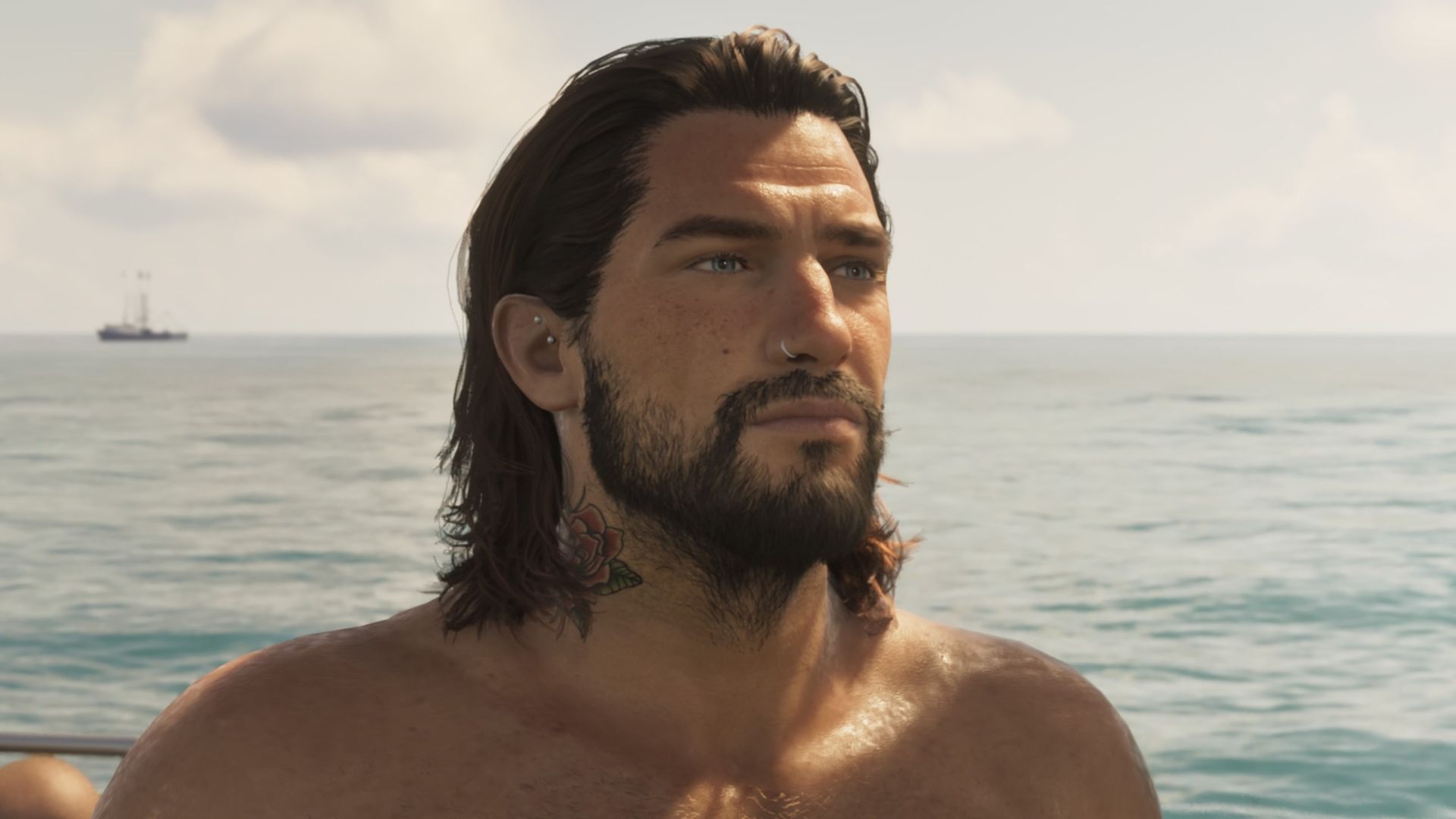
GamesRadar put up a short PSA about Xbox auto-uploads in GTA 6 and it's one of those things I would've never thought about until it was too late. Apparently letting your console push clips to the Xbox Network on its own can land you in ban territory.
If you're like me, you've had auto-upload switched on since the Xbox One days and never touched it again. Free cloud storage for clips, why not. But the way this is framed, the risk is about what ends up in those clips and where they land, and leaving that on autopilot is how people get themselves in trouble.
What the piece actually says
The headline is blunt: you could risk a ban by auto-uploading GTA 6 clips to the Xbox Network. That's the whole thrust of it. GamesRadar's angle is that the setting exists, most people forget about it, and it's worth knowing how to turn it off before you start recording everything you do in Leonida.
It doesn't get into specifics about what kind of content trips the system, which is fair enough. Use some common sense. If you're clipping something you wouldn't want a moderator looking at, don't let your console beam it to a public network while you're not paying attention.
How I'd handle it
- Dig into your console settings and find the auto-upload toggle before launch week, not after
- If you want to keep sharing clips, upload them manually so you actually see what's going out
- Remember the PSN story from a few days back with the 30-day ban over in-game nudes. Platforms are clearly not messing around right now
That PSN ban thread is the reason this one caught my eye. Different platform, same logic. People are going to be messing around in GTA 6 in ways they never would in another game, and the share button is right there. Auto-upload just removes the step where you think about it first.
I turned mine off years ago after a clip of a friend screaming ended up on my activity feed, and I've never missed it. Manual is fine. Takes two seconds and you keep control of what's attached to your account. GamesRadar's guide is worth a skim if you've never poked around in that menu, because the setting is buried and the wording doesn't exactly scream "this could get you banned."
Source: GamesRadar+ · Curated content.
Got a take on this?
Join the discussion. It takes about thirty seconds, and you can reply to any thread on the forum.